

Description
Download Wild Flowers Screensaver – wild flowers, screensaver, nature, desktop wallpaper, visual relaxation, flower images, desktop background, computer screensaver, serene visuals, natural beauty, floral scenery, calming visuals, desktop enhancement, nature lovers, floral wallpaper
Overview
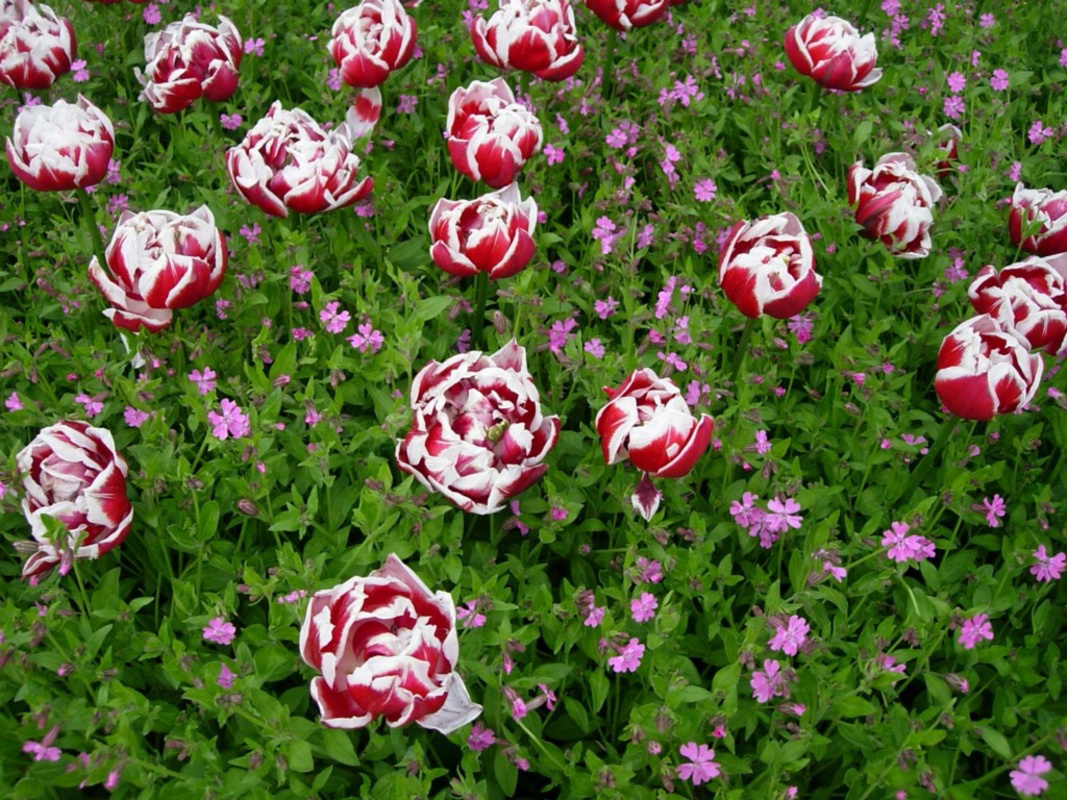
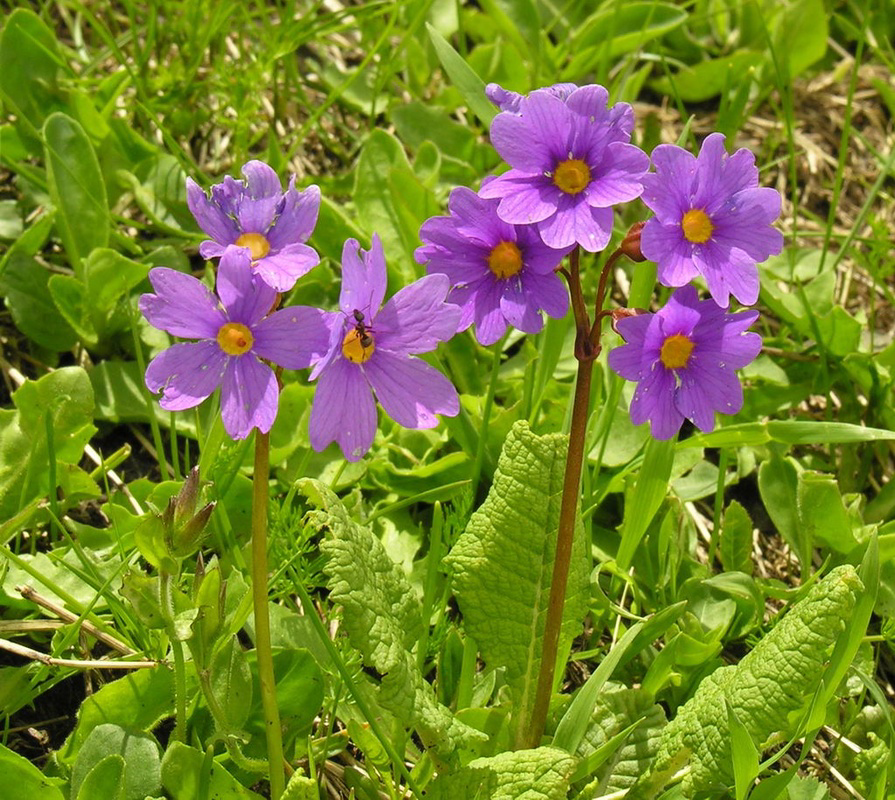
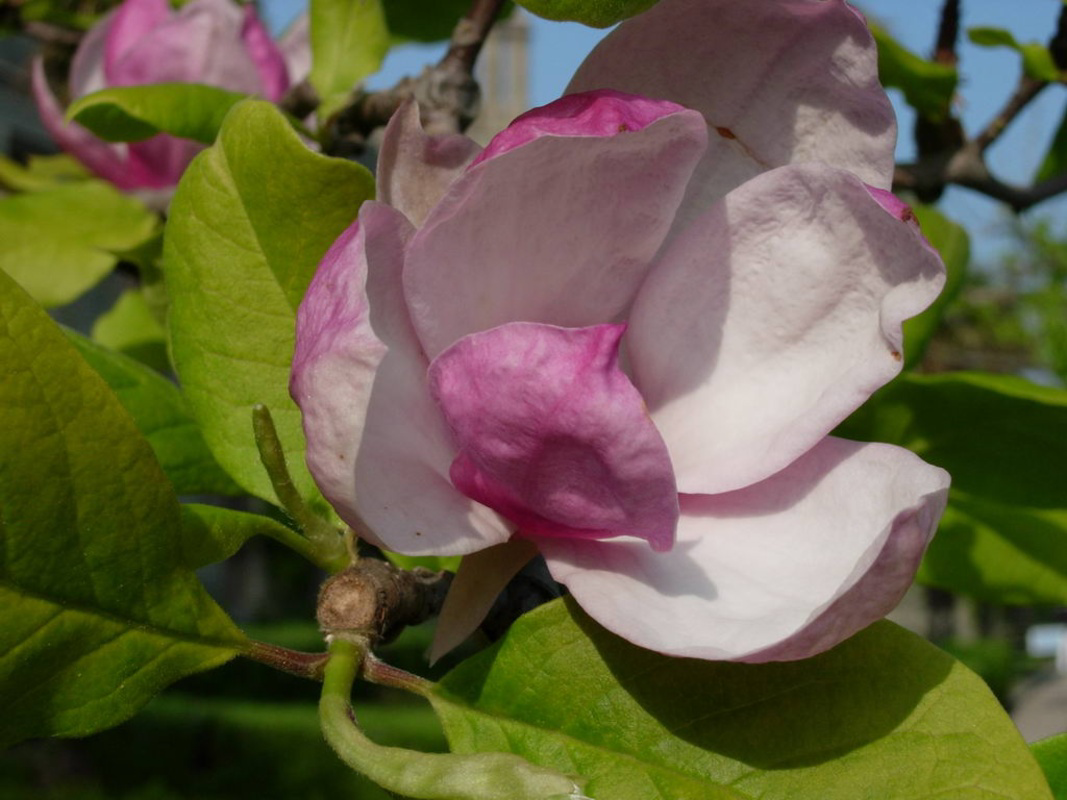
The Wild Flowers Screensaver is a visually immersive tool designed for users seeking a peaceful digital experience during idle moments. Tailored for nature enthusiasts and photography lovers, this screensaver presents 17 high-resolution images of vibrant wildflowers in their natural habitats. Each image is crafted to evoke serenity and appreciation for natural beauty, transforming inactive screen time into a moment of quiet reflection. The app serves as a digital sanctuary, offering a calming visual escape from the demands of daily tasks. It is particularly beneficial for individuals working in high-stress environments or those who value aesthetic enhancement on their desktops.
Although the developer did not provide additional background information, the app’s long-standing presence since its release on January 17, 2007, suggests a durable and reliable design. Its continued availability indicates consistent user interest and functional stability over time. The screensaver is ideal for personal computers, especially those used in home offices, creative workspaces, or relaxation zones. Real-world use cases include enhancing workspace ambiance, supporting mindfulness practices, or simply enjoying nature-inspired visuals during breaks. Within the broader software ecosystem, Wild Flowers Screensaver fills a niche role as a lightweight, non-intrusive utility that enriches the desktop experience without compromising system performance.
Key Features & Functionality
- High-Resolution Images: The screensaver features 17 detailed, high-resolution floral images that capture the intricate textures and vivid colors of wildflowers. These visuals are optimized for clear display on standard desktop monitors, offering a lifelike representation of natural scenery.
- Customizable Transitions: Users can adjust transition types and durations through an intuitive setup panel. Options include fade, slide, and dissolve effects, allowing for personalized pacing and visual flow.
- Image Display Control: The app enables users to set the order and display duration of each image, providing flexibility in how the visual sequence unfolds. This customization supports both random viewing and curated experiences.
- Perfect Fit Display: Images are scaled to fit the screen’s dimensions without distortion or cropping, ensuring that every detail remains intact and visually appealing.
- Auto-Wallpaper Feature: A distinctive functionality allows the final image displayed to be automatically set as the desktop wallpaper, creating a seamless transition between screensaver and desktop visuals.
For example, a user might set a 15-second duration with a fade transition to enjoy a slow, meditative rotation of blooming meadow scenes. After the screensaver ends, the last image becomes their wallpaper, reinforcing the connection to the natural theme. This feature is especially useful for users who want a consistent aesthetic across their digital environment.
Interface, UX & Performance
The Wild Flowers Screensaver presents a clean, minimal interface focused on functionality and ease of use. Navigation is straightforward, with a setup panel that organizes options logically—transition settings, image order, duration, and wallpaper preferences are grouped into accessible sections. The visual layout avoids clutter, prioritizing clarity and user control without overwhelming first-time users.
Although the developer did not list formal performance metrics, the app’s file size of 2.8 MB suggests a lightweight footprint, likely resulting in minimal impact on system resources. It is expected to run smoothly on a wide range of Windows systems, including older hardware. Responsiveness is consistent with typical screensaver behavior—quick to activate upon idle detection and stable during operation. The app does not report crashes or instability in public records, indicating reliable performance over time. Users can expect consistent playback without lag or visual artifacts, especially on standard desktop monitors. The interface remains accessible even on lower-resolution displays, ensuring broad usability.
Platform Compatibility & Technical Requirements
Wild Flowers Screensaver is designed exclusively for the Windows platform. It is compatible with Windows operating systems, though specific version requirements were not listed by the developer. The file size is 2.8 MB, making it a compact download suitable for users with limited storage or slower internet connections. The app is available at no cost, with a free license model that removes financial barriers to access. As the software was released in 2007, it may function best on legacy Windows systems, though it is likely to operate on modern versions due to its lightweight nature. The developer did not specify minimum OS requirements or hardware specifications, so users should exercise caution when installing on newer or less common configurations.
Pros and Cons
Pros
- High-quality, visually rich floral imagery that enhances desktop aesthetics
- Customizable transitions and display settings for personalized experience
- Lightweight design with minimal system impact
- Auto-set wallpaper feature for seamless visual continuity
- Free to download and use, with no hidden costs or ads
Cons
- No information provided on minimum OS or hardware requirements
- Platform limited to Windows only, with no support for macOS or mobile devices
- Release date is over 15 years ago, which may raise concerns about modern compatibility
- Feature set is limited to screensaver and wallpaper functions—no additional tools or integrations
- No official update history or support channel disclosed
FAQ
Is Wild Flowers Screensaver safe to download and install?
Yes, the app is free and available through trusted software repositories. Its long-standing presence and lack of reported malware suggest it is safe for use on Windows systems.
Can I use Wild Flowers Screensaver on modern Windows versions?
While the developer did not specify compatibility details, the lightweight nature of the app suggests it may function on modern Windows systems. Users are advised to test it on their device to confirm performance.
Does the screensaver work on laptops and desktops?
Yes, it is compatible with both laptops and desktop computers running Windows, as long as the system meets basic operating requirements.
Can I change the images or add my own?
Based on available information, the app includes a fixed set of 17 images. The ability to add custom images was not specified by the developer.
Is there a mobile version of Wild Flowers Screensaver?
No mobile version has been released. The app is currently available only for Windows desktops.
Final Thoughts
Wild Flowers Screensaver stands as a timeless digital tool for those who appreciate nature’s quiet beauty. Its elegant blend of high-resolution imagery, customizable transitions, and the unique auto-wallpaper feature makes it more than just a screensaver—it’s a subtle form of desktop enhancement. While it lacks modern updates and platform diversity, its enduring design and free access continue to offer value. It is especially suited for users who prioritize visual calm, aesthetic harmony, and a deep connection to natural scenes. For nature lovers, creative professionals, or anyone seeking a moment of serenity, this app delivers a meaningful experience. Download Wild Flowers Screensaver now.
Guides & Tutorials for Wild Flowers Screensaver
How to install Wild Flowers Screensaver
- Click the Preview / Download button above.
- Once redirected, accept the terms and click Install.
- Wait for the Wild Flowers Screensaver download to finish on your device.
How to use Wild Flowers Screensaver
This software is primarily used for its core features described above. Open the app after installation to explore its capabilities.
User Reviews for Wild Flowers Screensaver 0
No reviews found


